Document Control Automation: How QMS Software Eliminates Version Chaos
The Document Control Crisis in Manufacturing
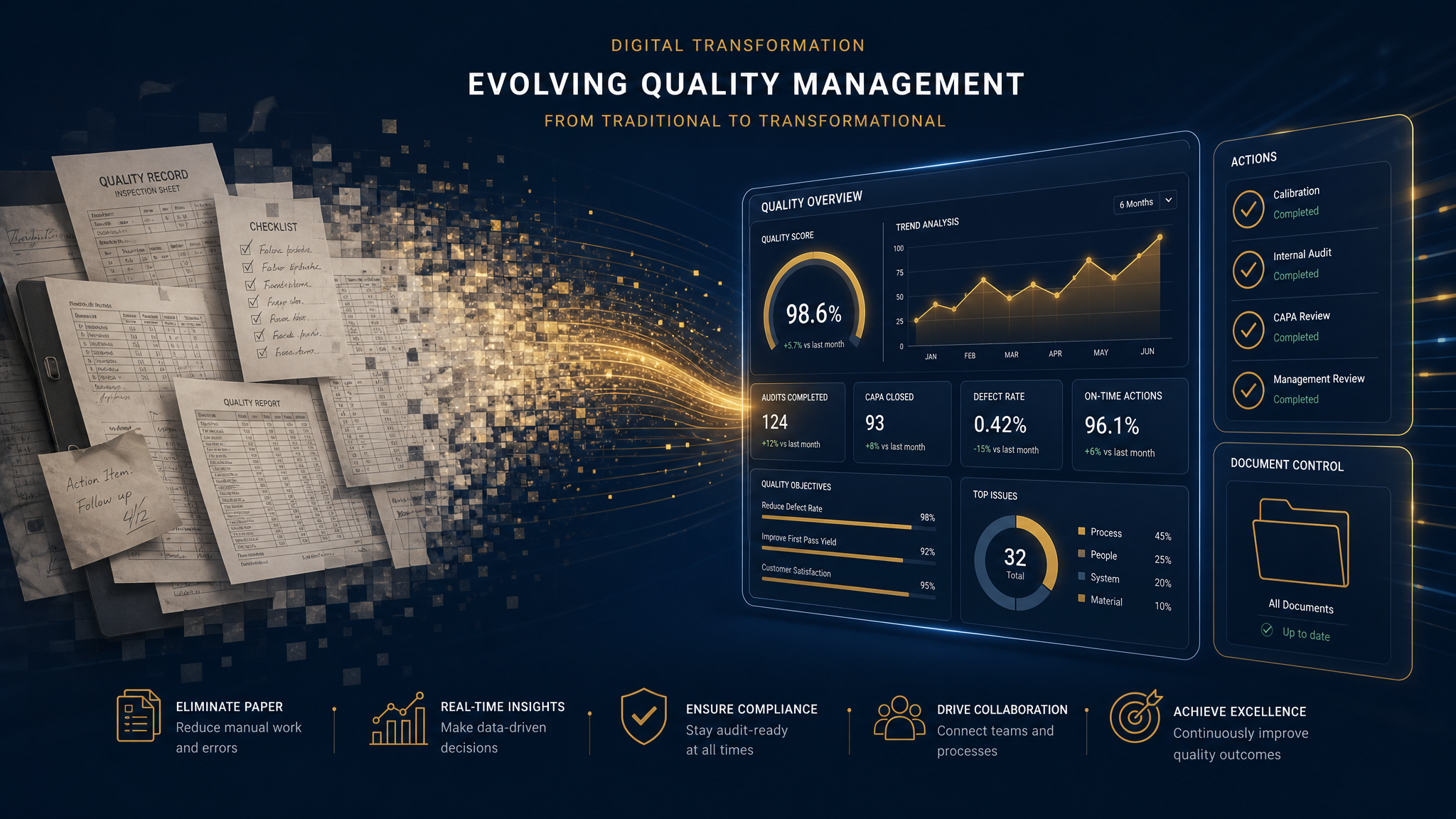
Document control is the backbone of every quality management system. ISO 9001 Clause 7.5 demands it. Auditors scrutinize it. Yet most manufacturers still manage documents through shared drives, email attachments, and manual approval routing — a process that invites errors at every turn.
Consider the true cost: the average quality team spends 18 hours per week searching for documents, resolving version conflicts, and chasing approvals. That's nearly half a full-time employee devoted to a process that software handles in minutes.
The Five Pillars of Document Control
Effective document control requires five capabilities working in harmony:
1. Centralized Repository with Intelligent Search
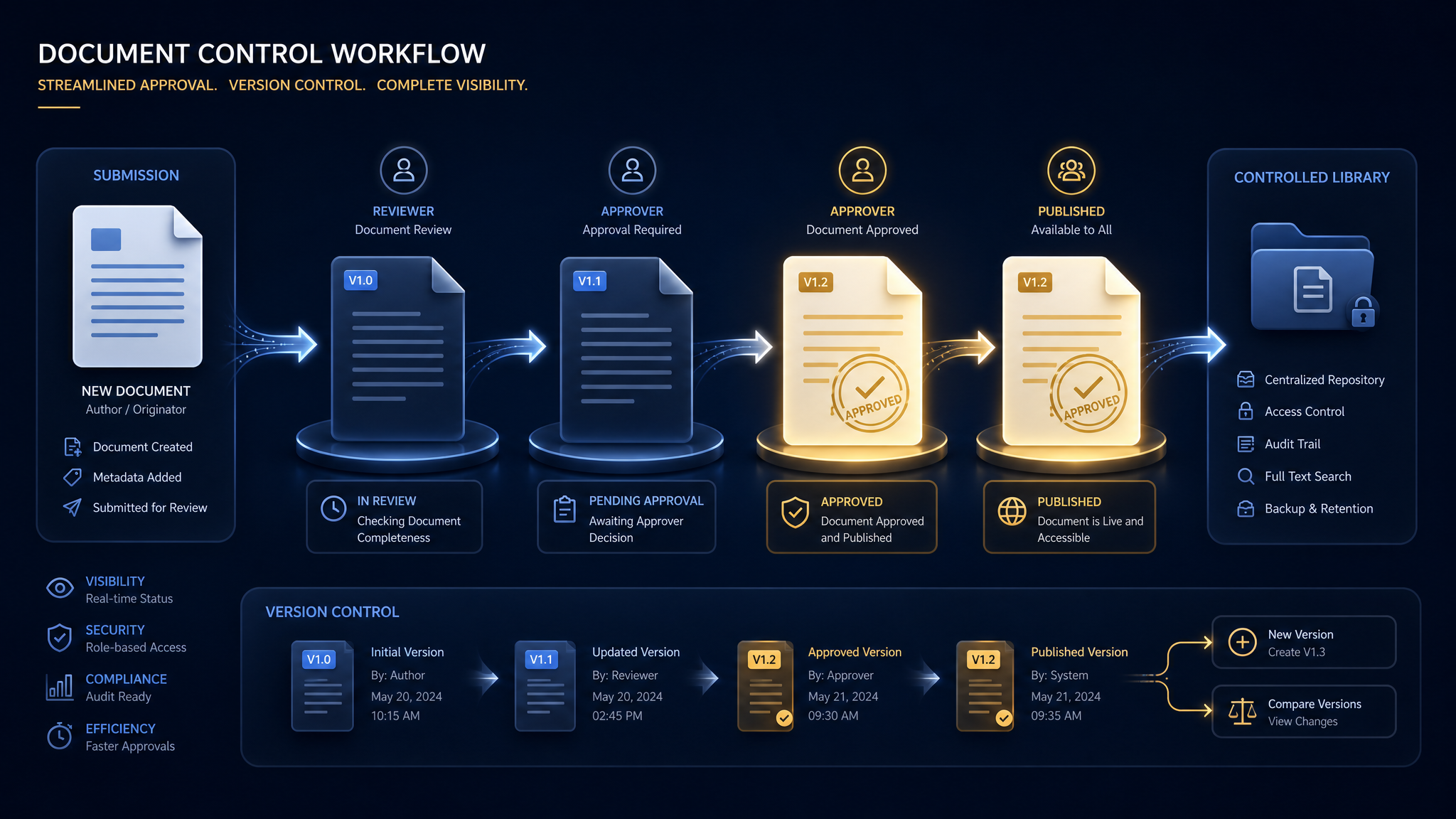
Every controlled document — procedures, work instructions, forms, records — must live in a single, searchable location. When an auditor asks for your calibration procedure, you shouldn't need 10 minutes and three phone calls to find it.
2. Automated Approval Workflows
ISO standards require that documents are reviewed and approved by authorized personnel before use. Manual routing via email creates bottlenecks and leaves no audit trail. Automated workflows route documents to the right approvers, send reminders for overdue reviews, and timestamp every action.
3. Version Control with Full History
Every document must show its revision history — who changed what, when, and why. QMS software maintains this history automatically. No more "Final_v3_REVISED_JohnEdits_ACTUAL_FINAL.docx" filenames.
4. Distribution and Acknowledgment Tracking
Issuing a document means nothing if the people who need it don't receive it. Automated distribution ensures the right people get the right version, and acknowledgment tracking proves they reviewed it.
5. Obsolescence Management
Obsolete documents are audit landmines. If a superseded procedure is still accessible, someone will use it. Automated obsolescence removes old versions from circulation while maintaining them in the archive for reference.
What Auditors Actually Look For
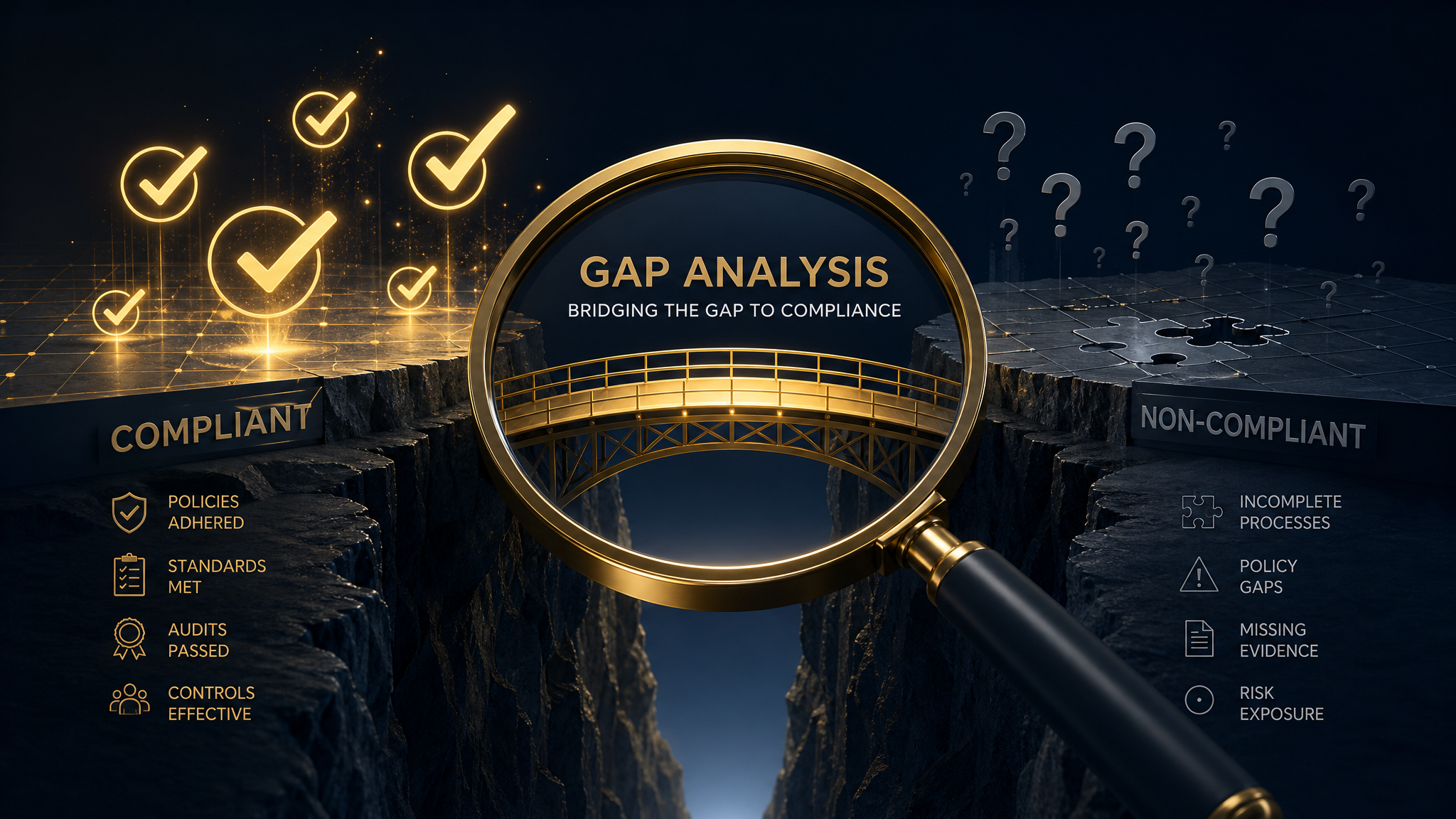
During a certification audit, document control is one of the first areas assessed. Here's exactly what auditors check:
With ExceleorQMS, every one of these audit requirements is satisfied automatically through the document lifecycle module.
The ROI of Document Control Automation
Organizations that switch from manual to automated document control typically see:
These aren't aspirational numbers — they're the documented results from organizations that have made the switch.
Getting Started
Migrating to automated document control doesn't require a complete system overhaul. Start with your highest-risk documents — quality manual, key procedures, and regulatory submissions — then expand to work instructions and forms. ExceleorQMS's phased implementation approach typically completes the full migration in 4–6 weeks.
See ExceleorQMS in Action
Experience how our platform automates compliance workflows, tracks CAPAs, and keeps you audit-ready — every day.